Hello, my name is Taeseo Um, currently on the LLMOps team at HyperAccel.
In the previous post, I wrote about how we moved from Copy & Paste workflows to coding agents. AI started out feeling like a slightly better search bar, then it grew into autocomplete, and now it can read a whole repository, run the tests, inspect the failures, edit the files, and try again on its own.
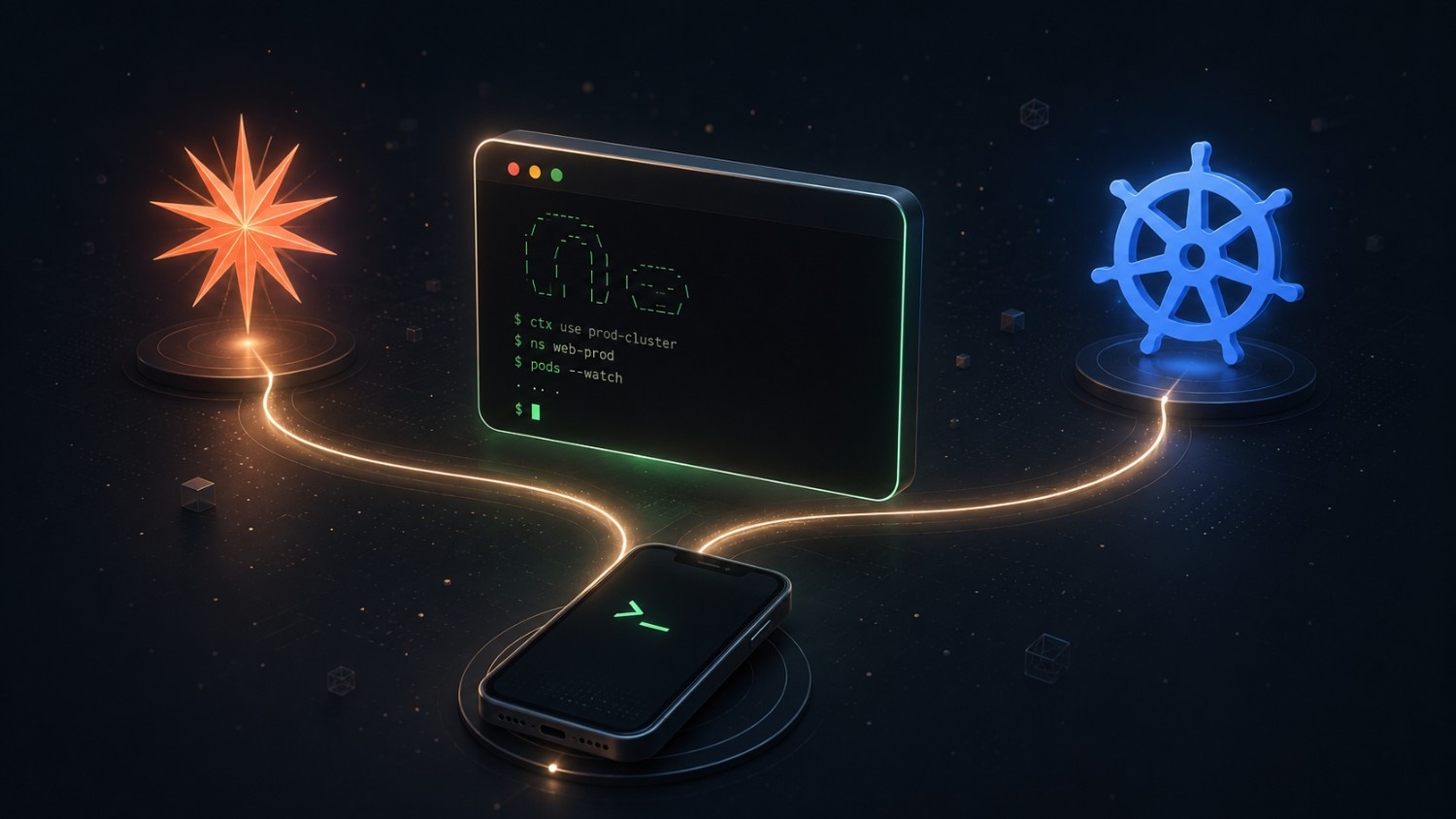
This post is about a quieter change that rode in on the back of that shift — the slow return of the terminal, and the Command Line Interface(CLI) that gives it its shape.
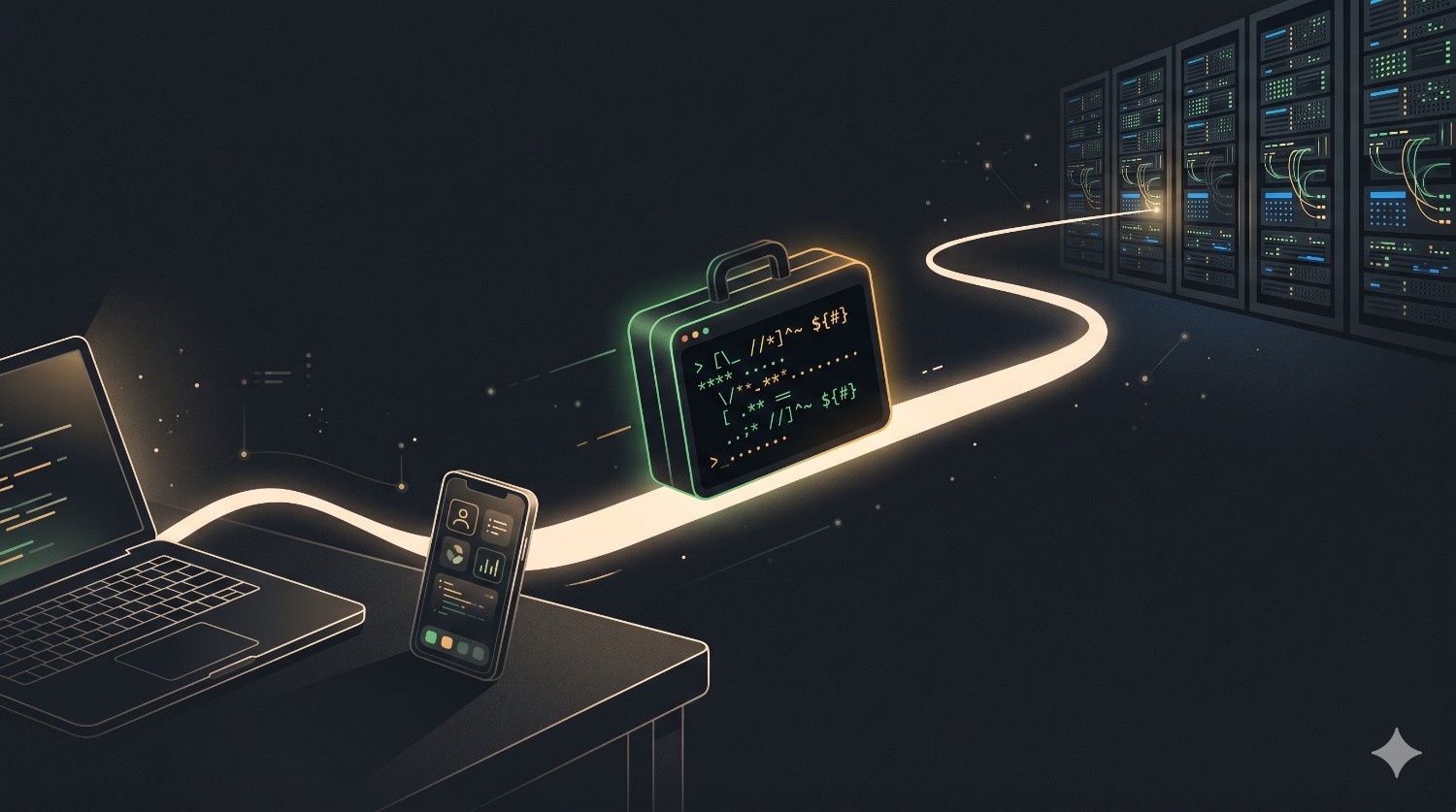
What feels different now is that terminal-native agents have loosened the old bond between development and a local Integrated Development Environment(IDE) session. Work has started to follow whichever execution environment I can reach and trust — sometimes the workstation that holds my repository, sometimes the environment that sits closest to the running service — and Secure Shell(SSH) has quietly become just the path into that environment rather than the point of it.
That has changed how coding feels over the course of a day, where I’m able to debug, and even what I’m willing to call a real development environment in the first place.
The Terminal Became a Place Again
For a long time, my terminal was mostly a utility drawer — somewhere I reached for git, builds, package managers, logs, and the occasional shell script. The real work happened in my IDE, and the terminal was just where I checked whether that work survived contact with reality.
Coding agents pulled the terminal back into the center.
The reason is simple: an agent needs a way to touch the system. It has to read files, search through code, run commands, watch them fail, and leave evidence behind — and the CLI is already built around exactly that loop. Commands are text, output is text, failures and diffs are text, and tests come back as a signal that’s simple enough for both a human and an agent to read.
When an agent works in a terminal, it doesn’t have to guess at what happened behind some visual panel; it runs the same commands I would run and reads the same logs I would read, so the feedback loop stays short and direct.
That directness matters more than it sounds. A chat User Interface(UI) can feel friendly, but software work isn’t only conversation — it’s action under constraints, and the terminal gives the agent a place where every action leaves a trace.
It also gives me a different kind of memory. The scrollback quietly records where the work began, which command failed first, which assumption turned out to be wrong, and which test finally went green. Speed without that kind of evidence is stressful, and the terminal keeps the work visible enough that I can step in to interrupt, question, or redirect it at any point.
I Started SSHing Into My Laptop
One of my earliest habits here was small and almost boring: I started SSHing into my own laptop to begin work; whether I was away at home, and even when I wasn’t far from it.
Before agent workflows, SSH had always felt useful but limited — fine for checking logs, restarting a process, or making a tiny edit, but anything larger felt uncomfortable. If I needed real context, I’d usually just wait until I was back at my desk with the IDE open.
With a terminal-native agent, that line moved.
Now I could SSH into my laptop, open a repository, describe the task, and let the agent take the first step — inspecting the codebase, drawing up a plan, running the tests, and handing me back a diff. I wasn’t trying to turn a phone or a remote shell into a perfect workstation; I was simply giving the agent access to the workstation I already trusted.
Remote debugging started to feel different too. When something broke while I was away from my desk, I no longer had to shrink the problem down into a note to deal with later — I could start debugging right where I was, letting the agent collect logs, search call sites, reproduce the failing command, and narrow the issue down while I watched the terminal from somewhere else entirely.
None of this is magic; it’s just a better division of labor. I still decide what matters and I still review every patch, but the boring first pass no longer requires me to be sitting in front of the exact screen where the repository happens to live.
A remote debugging session has its own rhythm. I try to start by describing the symptom without overfitting to an answer — a request is timing out, a test is flaky, a service only falls over after a particular configuration change — and then I ask the agent to gather facts before it edits anything: check the recent logs, find the code path, identify the command that reproduces the issue, and tell me what changed, but don’t patch yet.
That pause matters. When I’m remote I have far less patience for chaos, and a tiny screen makes every wrong turn feel more expensive than it would at my desk. I want that first phase to feel like triage — collecting signals, reducing uncertainty, and naming the most likely branch of the problem — and only once that’s done do I want any edits.
The interesting part is how calm the whole session can feel. I might be holding a phone in one hand, but the laptop back home is the thing doing the real work: the repository is already cloned, the dependencies are already installed, and the test cache is still warm. I’m not coding on the phone at all — I’m steering work that’s happening somewhere far better suited for it.
The Five-Hour Reset Strategy
There was another habit from the earlier days that now feels like a snapshot from a short but strange era.
Back when agent limits were tighter, I used to plan my whole day around the reset window. I’d prepare a careful prompt the night before — collecting context, writing down the goal, listing the files I expected to matter, and generally making the task as clean as I could before going to sleep.
Then I would start it before 7am.
The rough plan was simple: use the morning reset window as one long, uninterrupted run, let the agent work for roughly five hours, and then, after lunch around 12pm, take a fresh reset and start again with everything I’d learned in the meantime.
The routine sounds a little absurd now, but it made complete sense at the time. The scarce resource wasn’t only model intelligence — it was continuity, and if I burned the first hour just explaining the repository, I’d already lost a big chunk of the useful window. So I learned to treat the prompt like a launch checklist.
Terminal-native work made that strategy better, because the environment was already sitting right next to the code; the agent could run the plan in the same place the repository, tests, and logs lived. But it was still, at heart, a strategy built around scarcity — prepare hard, start early, make the window count, then wait for the next reset.
It changed how I planned, too. The night-before prompt stopped being a simple request and turned into a compressed briefing: the objective, the suspected files, the commands I trusted, the tests that mattered, and the things the agent absolutely should not touch. I’d add whatever I had already tried so the morning run wouldn’t repeat yesterday’s mistakes, and if there was a risky path, I’d spell out the safer first step alongside it.
That planning was genuinely useful, but it also made the whole workflow feel ceremonial — I had to prepare the runway before the plane could take off. If I discovered at 8am that the prompt was missing a key constraint, the entire run could drift, and if the agent spent too long exploring the wrong layer, I could almost feel the reset window burning down in real time.
The best prompts from that period read almost like small design documents, with a goal, a scope, constraints, verification steps, and an exit condition. That habit outlasted the scarcity that created it: I no longer want to plan my life around a five-hour window, but I still want to hand an agent a crisp definition of done.
The Android and Termux Phase
For a while, the most mobile version of this workflow ran on Android and Termux.
Termux is a terminal environment for Android, and it was the thing that made the whole idea feel real. At first the phone was mostly a way to SSH into my laptop and reach the development setup that already worked — a remote control for a machine I trusted, more than a development environment of its own.
The setup had a real charm to it. It also had no shortage of friction.
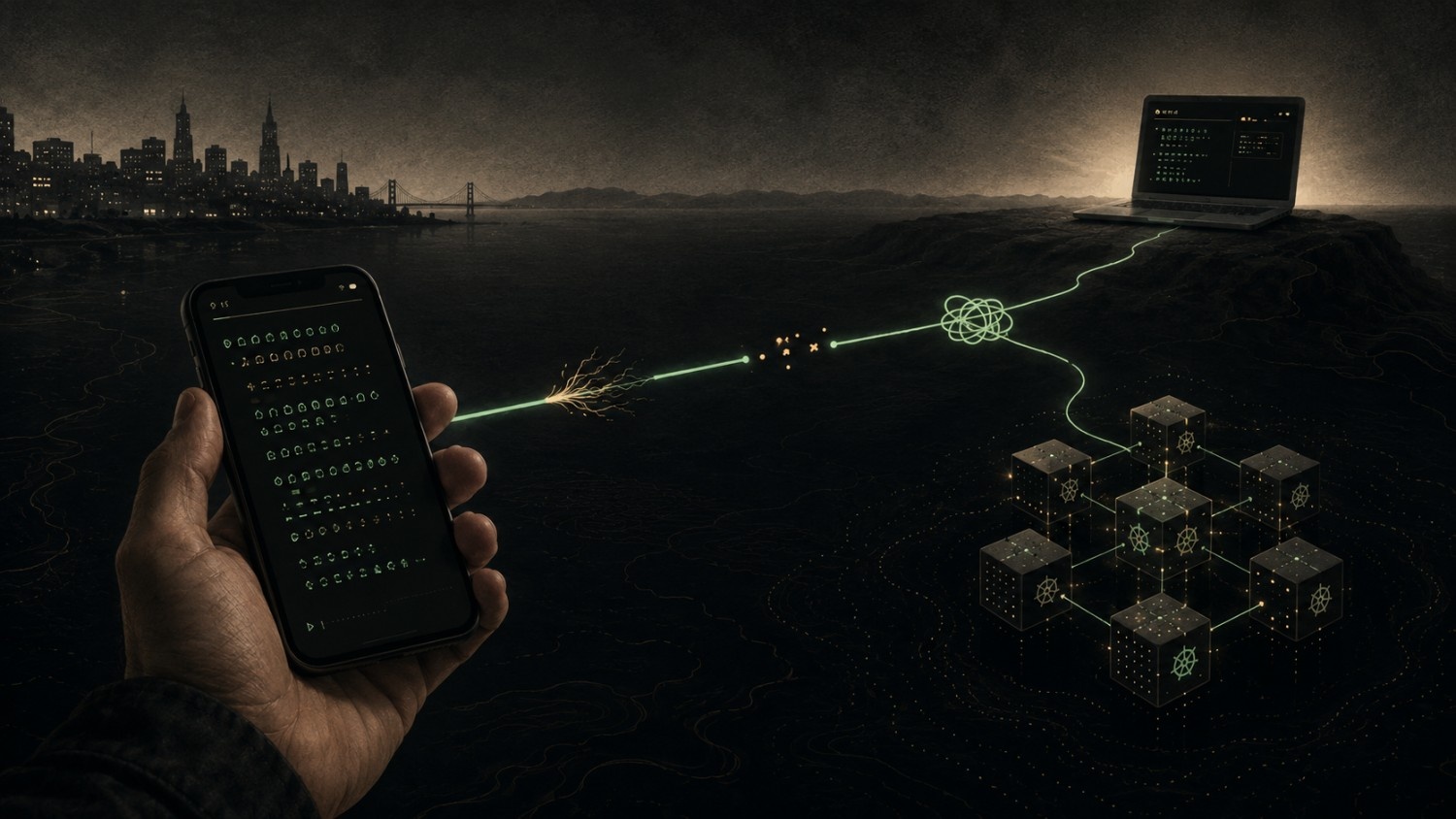
It asked for a lot: an Android device, a terminal emulator that felt tolerable on a small screen, Virtual Private Network(VPN) access, and then keys, shell config, kube config, fonts, keyboard shortcuts, and just enough environment setup that the whole thing wouldn’t collapse the moment I switched networks.
When it worked, it felt amazing — I could be nowhere near my desk and still kick off a meaningful investigation, with a far more capable machine doing the heavy lifting while I just held the small screen.
And when it failed, it failed in thoroughly ordinary ways: the VPN wouldn’t connect, the keyboard would hide the line I was typing, a key was missing, a session dropped. The terminal itself was still perfectly portable; the path to that terminal just wasn’t always smooth.
The brittleness was rarely one dramatic failure so much as a chain of small edges catching at once. A mobile network would slip from Wi-Fi to cellular and the VPN tunnel would quietly die; the SSH session would hang on for a moment, then freeze at exactly the point where the agent was asking for confirmation; the phone keyboard would autocorrect a command flag or slip an invisible newline into precisely the wrong place.
Then there was environment drift. My laptop shell had years of accumulated muscle memory baked into it — aliases, package versions, default editor settings, SSH config, prompt behavior, and a handful of tiny scripts I’d forgotten I even depended on. Recreating just enough of that on Android was possible, but it never quite felt identical, and every missing detail was another reminder that the phone wasn’t really the development environment at all. It was a narrow doorway into one — and the real environment always lived somewhere on the other side of that door.
Still, that phase taught me something that stuck: the value was never the phone. The value was that the active development surface had become reachable through plain text.
From Laptop to Direct Pod Access
Kubernetes changed the route more than it changed the idea.
The old path still ran through my laptop. From a phone or some other remote device, I’d SSH into the laptop first and, from that familiar shell — the one that already had the VPN, kube config, credentials, and aliases baked in — reach the Kubernetes pod or development namespace where the service was running, then inspect it for logs, configuration, and running processes. The phone was never talking to the pod directly; the laptop was the bridge, not the place where the problem actually lived.
Direct access changed that path. It didn’t turn the pod into production, and it didn’t remove the need for care — it simply removed one hop. Instead of arriving at the relevant logs, config, and processes only after passing through the laptop, I could start right there and keep more of the debugging context in a single place.
The Android and Termux setup made that route shorter still. With Termux, VPN access, and enough kube config on the device, I could sometimes go from Android straight into the Kubernetes environment instead of bouncing through the laptop, and the same small screen was suddenly wired directly to the place where the service lived.
The point was never that every task should happen inside a pod — that would be a bad rule to live by. The point was that the agent simply didn’t care where the shell came from, whether that was my laptop, a remote virtual machine, Android, or a container. As long as the files, commands, logs, and permissions were there, the loop still ran.
That made direct pod access genuinely useful on the go. When I needed to inspect behavior close to the running service, I could drop into the right development environment and ask the agent to help read logs, check configuration, or trace a failing path — without first having to recreate the entire world locally just to begin thinking.
In practice, I want the agent to behave like a careful operator in that setting: read before changing, prefer observation over mutation, keep facts separate from guesses, and stop to ask whenever a command might touch a shared environment. The terminal makes those boundaries easy to express, precisely because the work is already command-shaped to begin with.
This is where the lifestyle side and the technical side meet. The lifestyle benefit is that I can investigate while I’m nowhere near the desk; the technical requirement is that the environment still has to be treated with respect. Remote convenience doesn’t lower the need for operational discipline — if anything, it quietly raises it.
All of this still demands care, of course. Production systems need firm boundaries, credentials deserve respect, and some commands should never be delegated casually. But for development pods and controlled environments, a terminal agent fits naturally, because Kubernetes work is already command-shaped from the start.
Mobile Code-Work Is No Longer Android-Only
The newer change is that this mobile workflow is no longer tied to Android and Termux at all.
Claude Code’s remote-work feature is one example of that shift. I don’t see it as the whole story, and I don’t think any single tool owns this pattern, but it does show where the workflow is heading: the remote machine holds the development environment, while the human interacts through a much lighter client.
That matters because the old setup carried far too many prerequisites — an Android device, a terminal emulator, a VPN, SSH keys, environment setup, and enough patience to make all of it feel normal.
Now the same basic idea can play out through the Claude app. I can be away from my desk, open the app, and reach work that’s already running on a remote machine. The agent still needs a real environment — files, commands, tests, and permissions — but the human entry point is no longer a hand-built mobile terminal stack.
That’s a meaningful lifestyle change. The phone has stopped pretending to be the workstation and become a control surface instead, while the work happens where it actually should, on a machine that already has the right setup.
This lowers the entry barrier in a very practical way. I no longer have to wonder whether this particular device has the right terminal profile, whether the VPN happens to be cooperating, or whether my mobile keyboard can even send the key combination I need — I just open the app, find the remote work context, and pick up from there.
None of this removes responsibility, though. If anything, a smoother entry point makes review habits matter more, because the easier it becomes to start work, the more deliberate I have to be about which work I start. A remote agent should still show me the plan, the files it touched, the commands it ran, and the evidence that the change actually works — convenience is never a substitute for ownership.
I also try to keep the shape of the task small whenever I start from the app. A mobile session is great for opening an investigation, asking for a focused patch, checking a test result, or turning a vague bug report into a concrete plan. The lower barrier helps me start; I just can’t let it trick me into lowering the standard for finishing.
This is also why I think the terminal still matters even when the visible UI isn’t one. The execution layer underneath is still command-shaped: the agent may be launched from an app, but the useful work keeps happening through shells, files, processes, logs, and tests.
The IDE Is Not Dead
This is not an “IDE is dead” post.
I still genuinely like IDEs. They’re excellent for reading unfamiliar code, stepping through a debugger, exploring types, making careful refactors, and putting a final polish on a change before review without burning through thousands of reasoning tokens to do it. There’s a kind of deep local attention that an IDE supports better than any remote agent session ever will.
The role is changing, though.
These days I think of the IDE as the place for deep local work and polish — where I inspect design, smooth out rough edges, rename things carefully, and read code with full visual context around me. The terminal agent plays a different role entirely: it’s the portable execution layer, the place where a goal can turn into commands, patches, tests, and logs from almost anywhere.
The two roles fit together more naturally than they compete. The agent can take the first pass while I’m away from the desk, and later I can open the IDE and review it all with more care — or I can work the other way around, using the IDE to understand a tricky area first and then sending the agent into the terminal to apply a repetitive change across the whole repository.
The mistake is treating any of this as a fight between screens. It’s far more useful to ask what kind of attention each tool is actually good at supporting.
Context Engineering Becomes Environment Engineering
In the copy-and-paste era, prompt engineering mostly meant writing a better request: give the model a role, add a few examples, ask for a step-by-step answer. That still helps, but it stops being enough the moment the agent can actually act.
The deeper skill is context engineering — deciding which files the agent should read, which tests define success, which commands are safe, which directories are off limits, what it should do when a test fails, and what evidence it needs to leave behind when it claims the work is done.
Once work moves across SSH sessions, Termux, Kubernetes pods, and remote machines, context engineering becomes environment engineering too.
The question is no longer only “What should I tell the model?” but also, just as much, “Where should this work actually run?”

Sometimes the answer is my laptop, because it holds the full repository and all my local tools. Sometimes it’s a development pod, because the bug only shows up near the service mesh, the secrets, or the cluster configuration. And sometimes it’s a remote machine, because I want the work to keep going even if my phone locks or my network drops out from under me.
The quality of the agent depends heavily on that environment. A smart model in the wrong shell can still waste an enormous amount of time, while a well-framed task in the right shell can quietly make progress while I’m on a train, waiting for coffee, or walking between meetings.
I’ve started to think about this the way I’d think about giving a teammate access. The question isn’t only whether the teammate is capable; it’s whether they’re standing in the right room with the right tools in hand. The prompt sets the intent, but the environment sets the reality.
What Changed in the Texture of Work
The biggest change isn’t that I type fewer characters, even though that’s true. That was never really the point.
The bigger change is that work became less attached to one chair.
I can start a debugging thread before I’ve even reached the office, check a failing test from a remote session, or ask an agent to inspect a development pod while I’m nowhere near my laptop. I can let a remote machine hold all the messy environment while I use a much smaller device as nothing more than the steering wheel.
This changes the emotional shape of small tasks. A bug report no longer has to harden into a reminder for later, and a refactor idea doesn’t have to wait until I’ve rebuilt my whole mental stack back at the desk — some of the work can start while the context is still fresh in my head.
There’s a real risk in this, though. Portability can quietly turn into pressure, because if work can happen anywhere, it can also start to invade everywhere. The goal was never to code from every possible place; it was to remove the bad kind of waiting — the waiting caused by environment friction rather than by genuine thinking.
For me, the best version of this workflow isn’t constant work at all — it’s a smoother handoff. Start something remotely, gather the evidence, let the agent try the boring path first, and then come back later to a diff, a set of logs, and a much clearer question than the one I left with.
That handoff can be surprisingly humane. I can begin with nothing more than a messy thought — something feels off about this endpoint, or this refactor probably broke a path I haven’t checked yet — and the agent turns it into a first pass while I’m still in motion. By the time I sit down with a full keyboard and a larger screen, I’m not starting from anxiety anymore; I’m starting from artifacts.
The Black Screen Is Not Nostalgia
The terminal didn’t come back because developers wanted to cosplay as old-school system administrators. It came back because it’s one of the cleanest interfaces we have between intention and execution.
Agents made that more obvious.
Agents need text instructions, but they also need a world to act on, and the CLI hands them that world in a form they can both read and change. SSH makes that world reachable, Termux proved that even a phone could become a serious entry point, Kubernetes makes the same pattern useful right next to real services, and remote-work features in tools like Claude Code strip away most of the mobile setup that used to stand between me and that same loop.
The result isn’t a future where every developer abandons the IDE — I genuinely don’t want that future. It’s a more layered workflow, where the IDE stays a strong place for deep attention, the terminal becomes the portable execution layer, and the agent sits inside that layer turning intent into observable work.
That’s why I keep coming back to the black screen. Not because it’s old, but because it travels well.
Wrapping Up
Writing this all down, I realize the real change was never a single tool — it was a shift in how I approach the work itself. Terminal or IDE, SSH or Termux or Kubernetes, what matters now is that I’ve started asking, every single time, “Where, and in which environment, should this work actually run?” Agents widened the reach of my hands, but deciding what those hands touch is still entirely on me. Finding that balance has quietly become the most interesting kind of engineering I do these days.
And none of this happened in isolation. HyperAccel is full of colleagues weaving AI into their workflows in their own ways, and one person’s trial and error often becomes the next person’s starting point. I’d like to think of this post as one small piece of that shared notebook.
Upcoming…
If this post was about where the work should run, the next one goes a step deeper into how we actually design those environments — how a prompt becomes a small design document, the guardrails and verification steps we hand an agent, and the exact point where context engineering turns into environment engineering, all with more concrete examples from how we work.
As the teams at HyperAccel keep finding new ways for AI to melt into our workflow, we’ll continue sharing the missteps and the insights along the way.
HyperAccel is Hiring!
The reason why we are writing operating this tech blog is largely too attract top talent!
If you are interest in the technologies we work with, and want to join this revolution, please apply at HyperAccel Career!
HyperAccel is full of brilliants engineers. We will be waiting.